Master Affinity
From your first click to professional skills
No experience needed. By the end, you'll have real, professional-level skills.
JM
AK
RS
TL
CV
229+ students already mastering Affinity
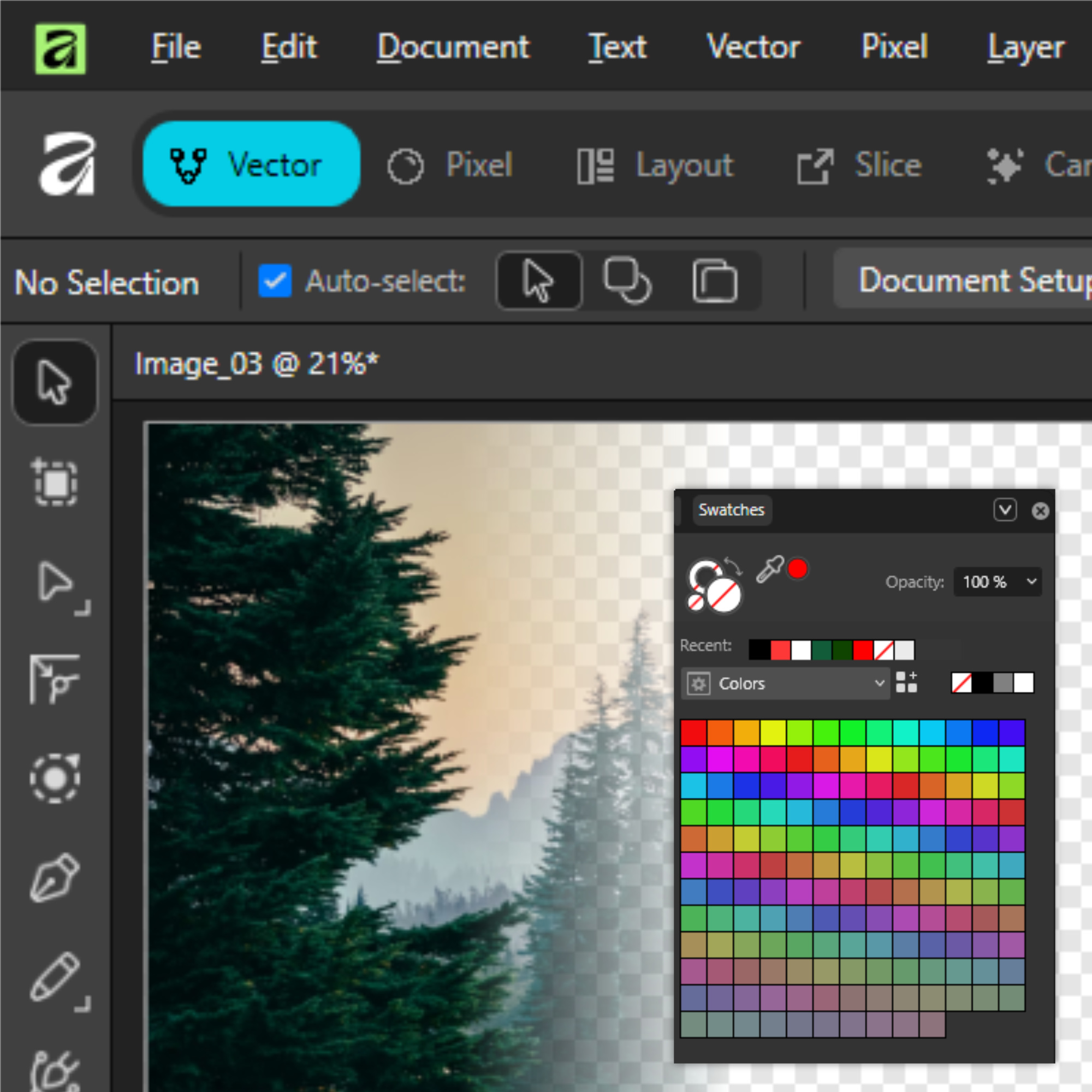
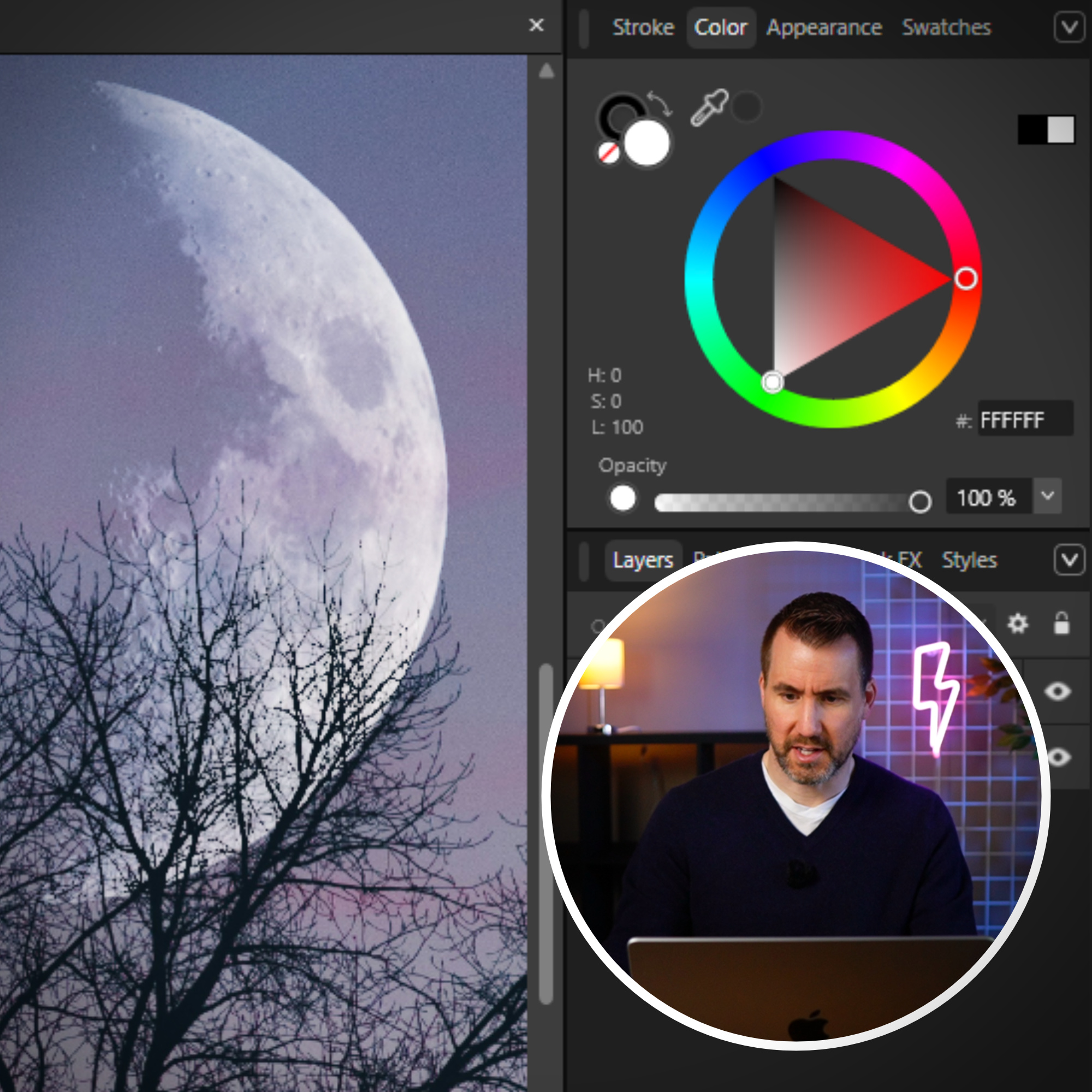
No Experience Needed
Real, professional-level skills by the end. Not just an intro.
90+ Lessons, 8 Modules
16+ hours of in-depth training across core Affinity skills.
New
Exercise Workbook + Video Solutions
Hands-on exercises with full walkthroughs, so you're never stuck.
New
Comments Open on Every Lesson
Ask a question any time.
Skills That Go Beyond Affinity
Masks, blend modes, color, layout...learn skills that transfer to any design tool.
Free Software, Professional Results
Built entirely on Affinity V3. $0 to download and use.
See What You'll Be Able To Do
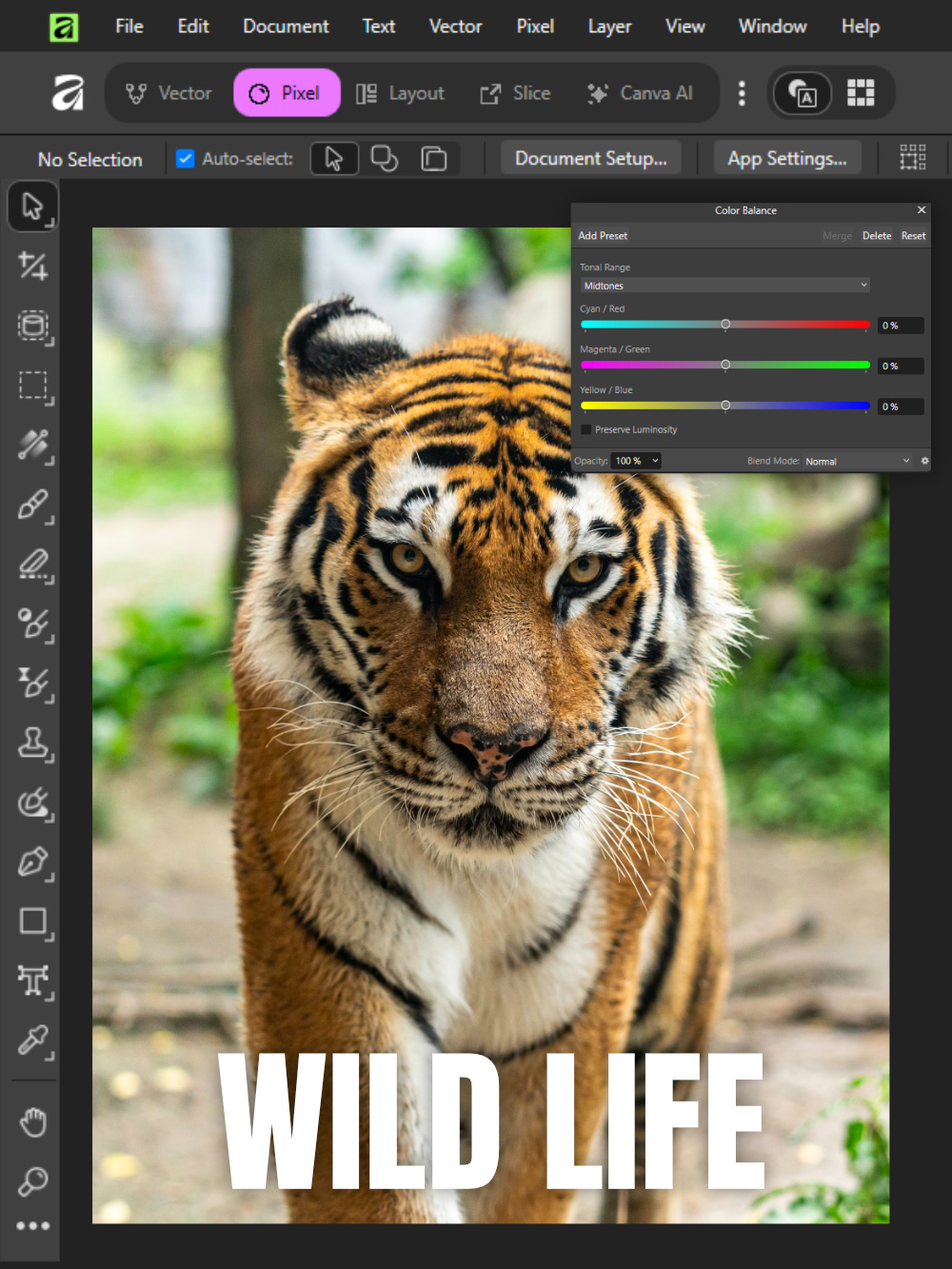
A real before & after using Adjustments. Drag to compare.


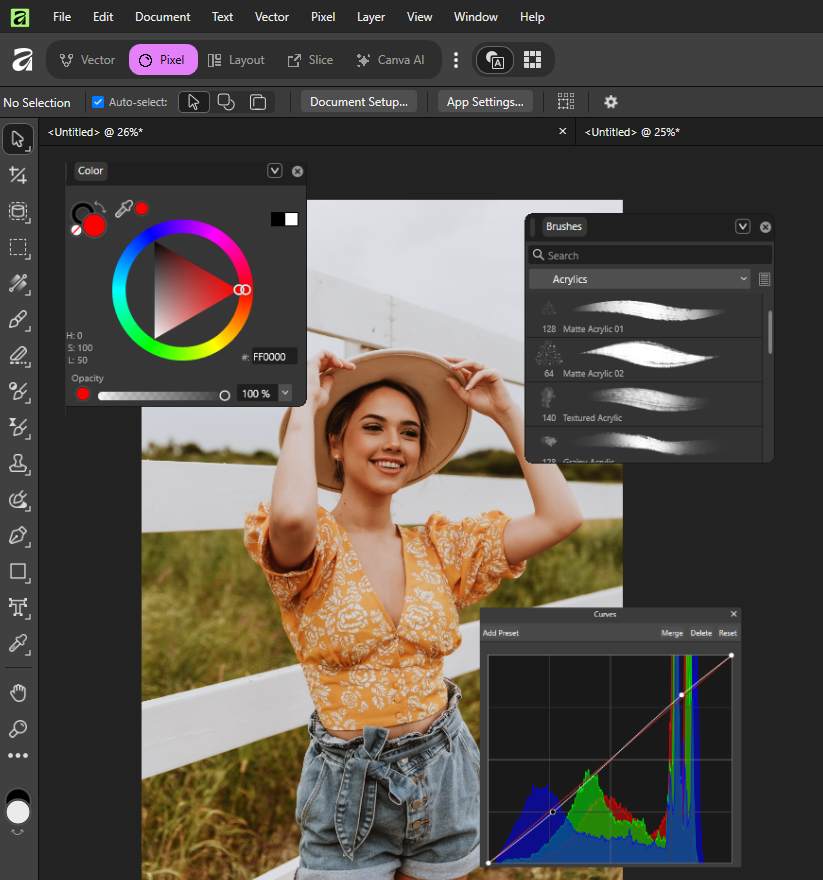
Master All the Essentials
Fundamentals: Navigate the interface, explore image file formats, and understand core workflows
Vectors: Master the tools to work with scalable vector graphics
Photos: Everything from masking & selections to key touch-up techniques
Text: From titles to paragraphs, learn to make your text look clean and professional.
Filters & FX: Enhance your designs using tools such a liquify, displace, blur, and more
Adjustments: Modify your colors & values with total confidence
Blend Modes: Add a whole new level of detail to your projects with Blend Modes
Layout: Create multipage documents & learn skills for making brochures, pamphlets, and PDFs.
New
Exercises and Solutions: Every module now pairs with a hands-on workbook and full video walkthroughs.
Trusted by 229+ Students
K
"This course is very informative, clear, and easy to follow. Trent explains each step well, making Affinity much easier to learn and use."
Kevin, Highworth, UK
E
"I have completed 83% of the course and have learned an incredible amount about Affinity. Your teaching style is easy to follow, full of information, and has no sales pitch."
Elona, British Columbia, Canada
B
"The quality of Trent's material is top notch and I have already recommended the course to a photographer friend. My knowledge of Photos has improved massively."
Brian, Huntingdon, UK
J
"I learned everything I know about Affinity with Trent. His tutorials and courses are the most concise and easy to follow. He made learning Affinity straightforward and enjoyable."
Julie, Canada
Q: Who is this course for?
This course is designed for everyone including:
- Beginners with no experience looking to get started with design software
- Photoshop users who want to ditch the Adobe tax
- Canva users who need more powerful software to bring their visions to life
Q: What version of Affinity is needed?
This course is for Affinity V3. This version of Affinity is FREE to download and use.
Q: Is this for Mac or Windows?
This course is for both Mac and Windows.
Q: Do I need a Canva subscription?
No Canva subscription is required!
A few of the paid Canva features are covered at the end of the course.
A few of the paid Canva features are covered at the end of the course.
Q: Are there subtitles?
Yes, English, French, German, Spanish, and Portuguese subtitles are available.
Video playback speed can be adjusted to slower or faster.
Video playback speed can be adjusted to slower or faster.
Included with enrollment
Bonus Downloads
Free resources that go with the course
Blend Mode eBook
Quick reference for all 33 blend modes.
PDF format
Color Cheat Sheet
Easily look up color relationships.
PDF format
New
Exercise Workbook
Hands-on practice for every module.
PDF format
What's Inside
Course Curriculum
90+ Lessons · Lifetime Access
Fundamentals
Vectors
Text
Photos
Filters & FX
Adjustments
Blend Modes
Layout
Interface Overview 12:23
Non-Destructive Editing 5:18
File Formats Explained 8:19
Affinity File Format 5:39
View Full Curriculum ↓
Full Curriculum
Every Lesson, Module by Module
Start Learning Today
Lifetime access to 90+ lessons, the exercise workbook, and every bonus download.
$29.99
One-time payment · Instant access · Yours forever
JM
AK
RS
TL
CV
229+ students already mastering Affinity